
Descrizione
KaTu Go is a lightweight macOS menu bar app designed to make navigating large Pro Tools sessions faster and more intuitive.
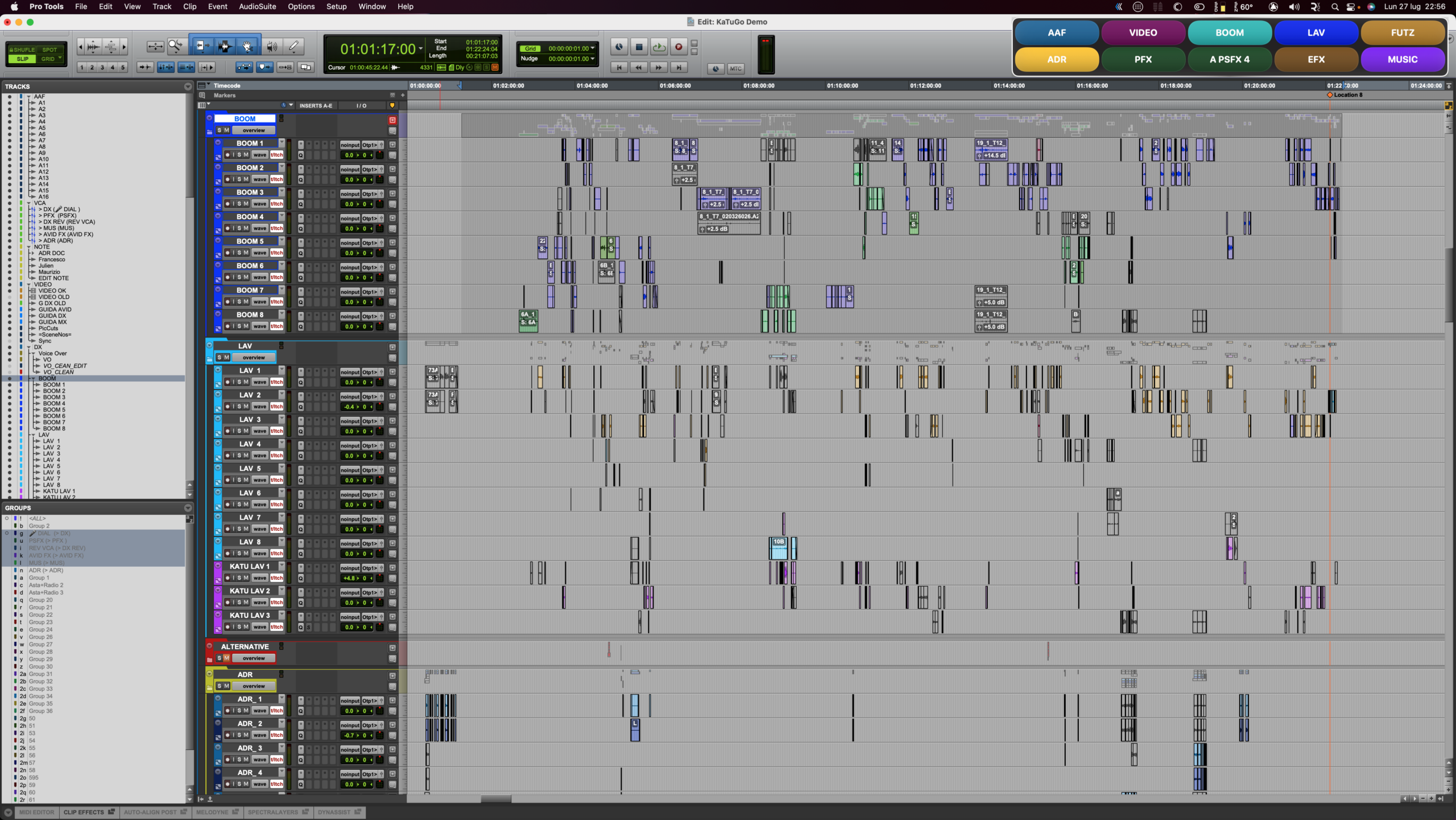
Create custom, color-coded buttons for your most important tracks, then jump directly to any of them with a single click. KaTuGo selects the track and automatically scrolls it into view, eliminating the need to search through crowded Edit windows.
Organize buttons into practical track groups, switch between a full Edit Mode and a compact always-on-top control bar, and instantly identify hidden or inactive tracks through clear visual indicators.
Layouts are remembered for each Pro Tools session, while import, export and automatic project backups make it easy to preserve or transfer your setup. Track colors can also be synchronized directly from Pro Tools for a familiar and consistent workflow.
Simple, unobtrusive and built for everyday production, KaTu Go keeps even the most complex sessions within immediate reach.


Changelog
Test Andrea
Test version (please not use it)
Categorie & Tag
Similar Downloads

 KaTu
KaTu